How to enable Transparency in preview window?

- Edited
We have several models that use transparency in their materials. When I upload them as FBX the transparency does not render in the Connector Preview window.
The PBR Material Mixer is also not rendering transparency. As with the Preview window anything that is supposed to be transparent appears gray instead or is ignored completely.
I have tried different combinations of names and file types for the texture maps - jpgs and pngs, _opacity, _transparency, _alpha, _albedoTransparency, etc - all of which render correctly in Maya, Blender and Online 3D Viewer but in Connector there is no transparency. I can drag the same file from Connector directly into one of these other programs and the transparency is rendered there.
However, if I upload the same model with the same textures as a GLB then the Preview window in Connector does render transparency as expected. See pics attached of test model.
Aside from reexporting all of my files as GLBs, is there a certain method or naming convention required for transparency to be rendered in the Preview window?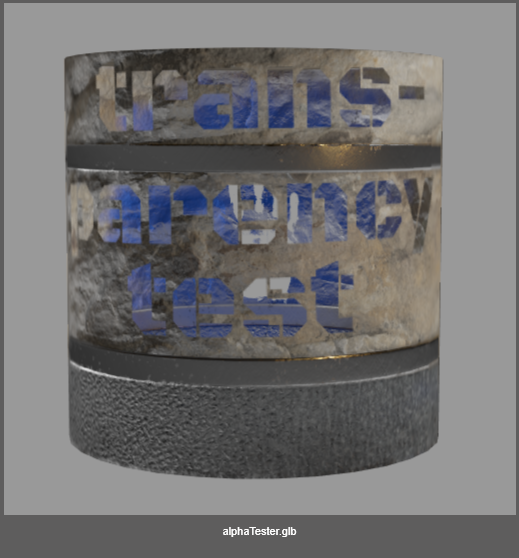


Comments
0 comments
Please sign in to leave a comment.