How to Generate Separate Previews for Multiple Materials in Connecter?

Tuan Nguyen
Hey Connecter team, I’ve run into an issue with the Generate Custom Previews feature in Connecter.
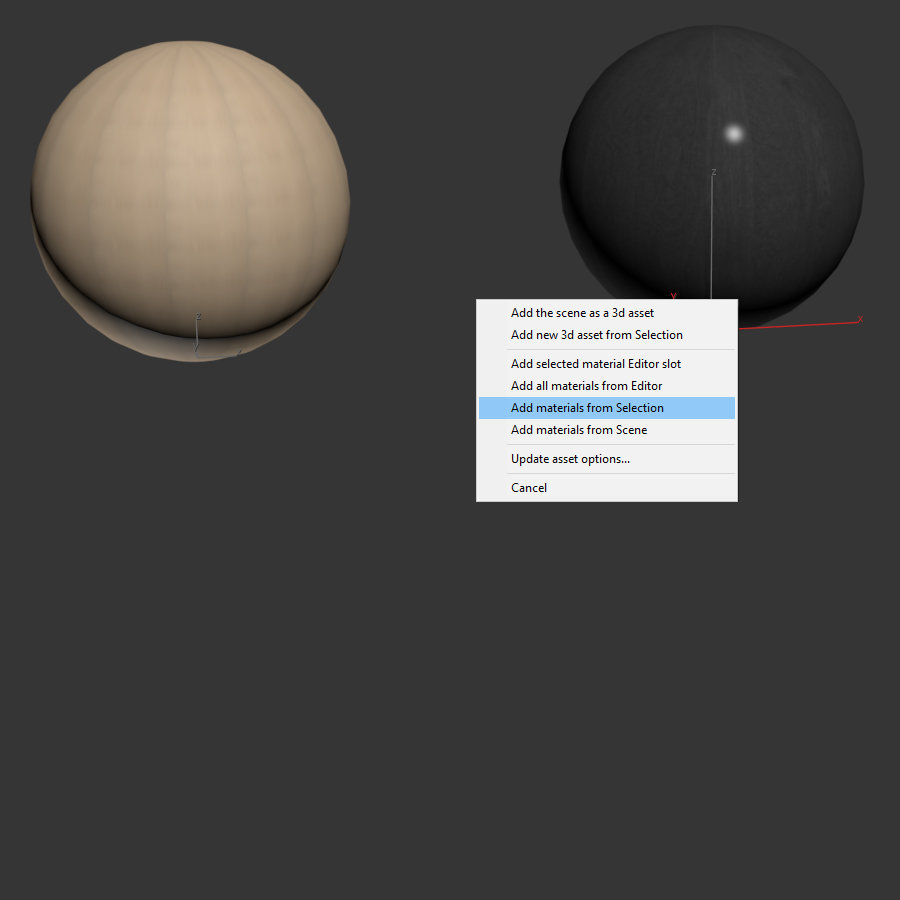
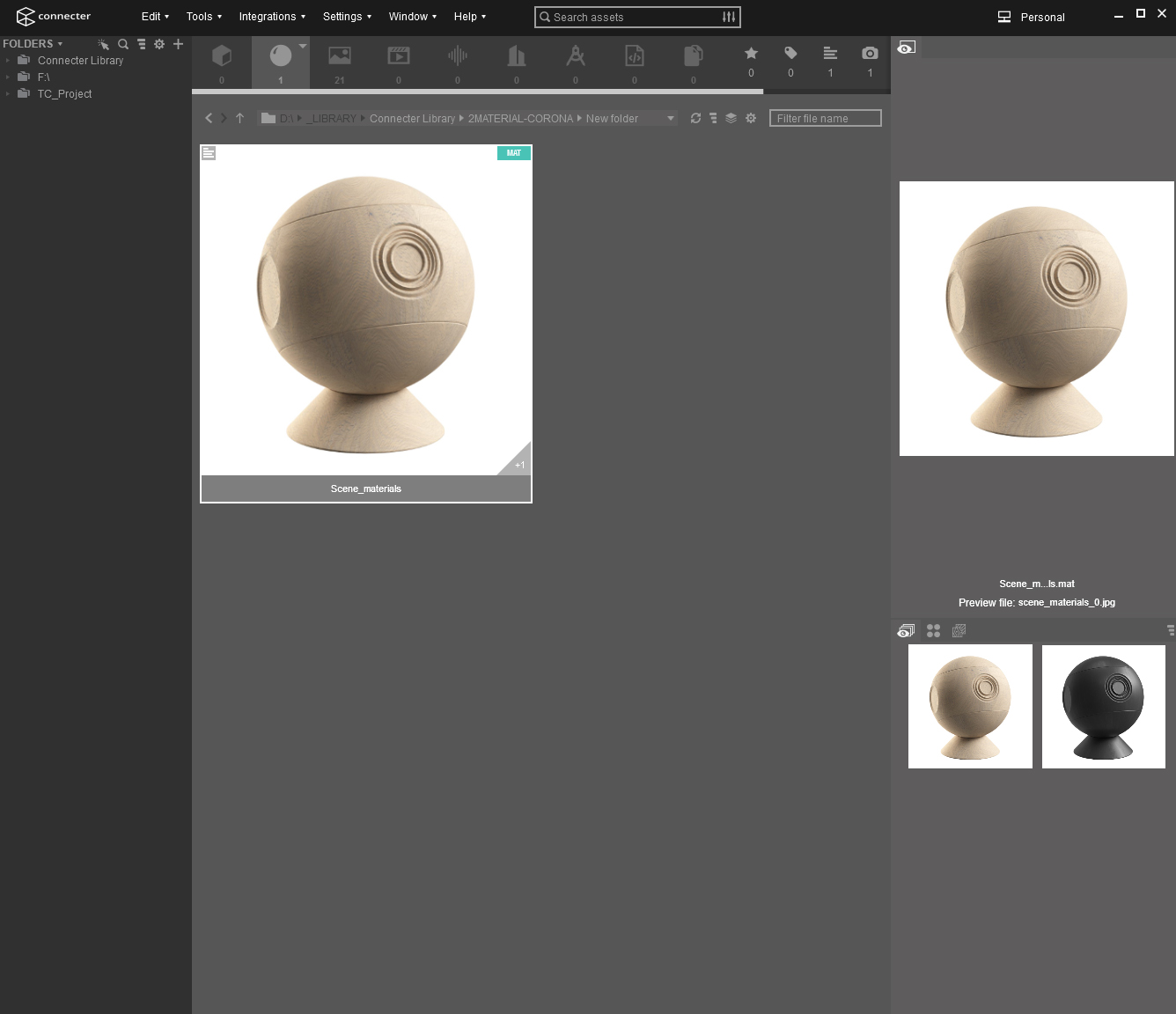
I’ve got two materials, as shown in the image, and I expected the function to render them separately. However, when I use the Add Materials from Selection option, the software combines them into a single material preview. Oddly enough, when I drag it back into 3ds Max, a dialog box appears, letting me choose between the two materials.
I’ve got two materials, as shown in the image, and I expected the function to render them separately. However, when I use the Add Materials from Selection option, the software combines them into a single material preview. Oddly enough, when I drag it back into 3ds Max, a dialog box appears, letting me choose between the two materials.
Is this the default behavior of Connecter, or am I missing something? Is there a way to generate multiple material previews at once and have them split into separate material slots?
Thanks in advance for your help!
Comments
0 comments
Please sign in to leave a comment.